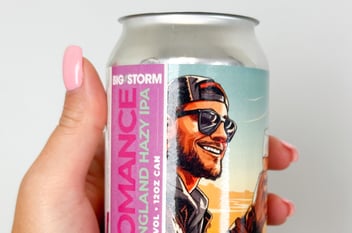
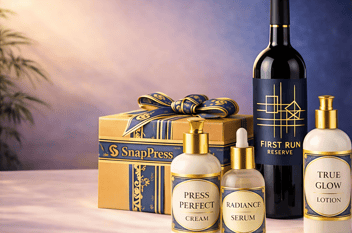
.jpg)
Designing a professional label has traditionally required time, technical skill, and access to expensive design software. For many print shops, this process can not only be expensive but also create delays due to unnecessary back-and-forth during production.
But label design no longer needs to be a bottleneck.
Systems like the SnapPress LP-1 are reinventing the process for modern print shops, not only printing labels but also creating them.
Table of Contents
- What Is The SnapPress Label Studio™?
- Why In-House Label Design Helps Your Business Grow
- No Designer Needed: A Smarter Label Design Process
What Is The SnapPress Label Studio™?
The SnapPress Label Studio™ is an AI-powered design engine built to remove the complexity from label creation. Instead of relying on traditional design software or specialized expertise, it enables print shops to generate production-ready label designs quickly, consistently, and without bottlenecks.
Built directly into the SnapPress system, Label Studio™ connects design and production in one seamless workflow, helping teams move from concept to print with confidence. The result is faster turnaround times, fewer file errors, and a simpler way to scale label services within any modern print shop.

How to Design a Label With Label Studio™
If you’ve used tools like ChatGPT, Gemini, or Claude before, the experience inside Label Studio™ will feel instantly familiar, so there is no learning curve when it comes to designing labels. Unlike standalone AI tools that stop at generation, Label Studio™ is fully integrated into the SnapPress LP-1, making it seamless to move directly from design to production.
Want to see how simple it really is? Follow these steps below:
- Start with a simple input: Enter a product name, description, or basic idea. No design experience required.
- Generate a ready-to-print layout: Label Studio™ uses AI to create a structured, production-ready label design instantly.
- Refine your design if needed: Adjust text, branding elements, or layout directly within the system for accuracy and consistency.
- Validate for print readiness: The system ensures proper formatting, sizing, and output standards for production.
- Send directly to production: Move seamlessly from design to print within the SnapPress workflow, without file conversion or delays.
This process is built to be intuitive for the modern print shop, enabling any team member to create professional labels without needing a designer’s expertise.
Why In-House Label Design Helps Your Business Grow
Bringing label design in-house allows your print shop to not be reliant on external designers, third-party timelines, and back-and-forth file revisions. This shift allows your team to gain direct control over one of the most critical parts of the production process.
When design lives inside your workflow, jobs can move more seamlessly from concept to production, and changes are effortless. This speed not only improves efficiency, but it also allows you to respond to customer needs on the fly and experiment with the current labeling trends.
Having a system like Label Studio™ also allows your team to produce consistent graphic images aligned with your brand's design guidelines, helping reduce errors, minimize repetition, and keep quality at the forefront of all printed materials.
No Designer Needed: A Smarter Label Design Process
When design, approval, and production live in the same system, you eliminate delays that slow down most print workflows. Bringing design in-house with the SnapPress LP-1 results in faster turnaround times and stronger consistency across your label designs.
What once required specialized design resources can now be handled directly within your production environment, allowing your team to move from idea to print without interruption, allowing your operation a true growth engine.


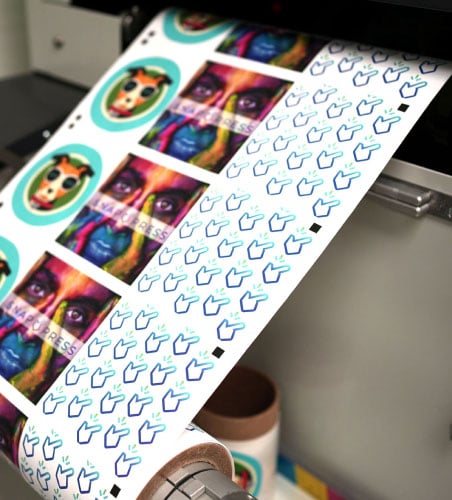
It's a SNAP! to Get Started
Get an exclusive look at the SnapPress LP-1 and schedule your personalized demo today